


- NBN is upgrading the HFC network to deliver faster, more reliable Internet with scheduled work causing short-term outages.
- Most homes will experience service interruptions over 5 or 10 days, with final testing ensuring long-term stability.
- After upgrades, check your setup and speed plan to get the most out of your improved connection - call 1300 764 000 for help.
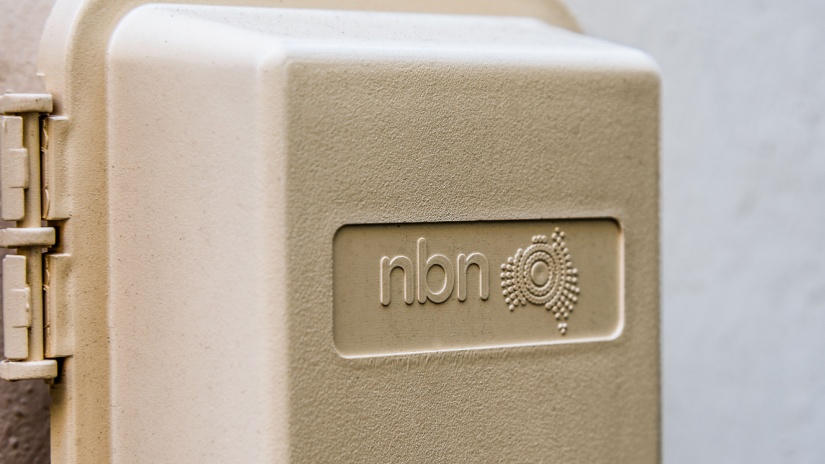
The NBN Hybrid Fibre Coaxial (HFC) network is being upgraded across Australia to improve reliability and support the growing demand for fast, stable Internet. These upgrades are part of NBN’s ongoing commitment to deliver a better, more consistent online experience - both now and in the future.
Here’s everything you need to know about what’s changing, how it might affect your Internet, and how to get the most from your upgraded connection.
What’s changing with the NBN HFC network?
NBN is replacing parts of the current HFC network with next-generation technology. This work is being done to:
- Make the network more reliable
- Reduce service disruptions in the future
- Support faster Internet speeds
- Help homes handle higher data usage
When and how will the upgrade happen?
The upgrade work has been carefully planned to reduce inconvenience. However, you may still experience temporary service interruptions during the upgrade window in your area.
Two upgrade timelines:
5-day upgrade process
- Day 1: Expect short outages in the morning, including at least one 30-minute outage. Services should be back online by 3pm.
- Days 2-3: Minimal impact, but video calls or streaming might be disrupted.
- Days 4-5: Services should be stable again. Final testing is completed during this time.
10-day upgrade process
- Day 1: Outages could last up to 3-4 hours, typically in the morning. Services usually return by 3pm. You may want to plan alternative Internet access.
- Days 2-5: One or two short interruptions (about 45 minutes) may occur daily.
- Days 6-7: Minor disruptions possible, especially for video conferencing.
- Days 8-10: Services should be fully restored. Final network testing is conducted.
Most work takes place weekdays from 7am to 7pm, though rare night or weekend work may be needed.
Will I be notified before the upgrade?
Yes. If you're in an upgrade area, you'll receive a letter with the exact dates of planned work and any possible outages. You can also check NBN’s Network Status page for updates on work in your area.
Make the most of the upgraded network
To enjoy faster and more stable Internet after the upgrade, take a moment to review your current setup.
Check your Internet setup
- Is your Wi-Fi router over 5 years old? It might be time to upgrade.
- Place your router in an open space near where you use the Internet most.
- Use Ethernet cables for key devices (e.g. smart TVs, gaming consoles).
- Make sure your devices support the latest Wi-Fi standards.
How fast can nbn® HFC go?
HFC already carries the fastest plans on the nbn®. All of the roughly 2.5 million homes and businesses on HFC can order nbn® Home Ultrafast, with speeds close to 1000 Mbps (NBN Co 2024b). Since September 2025, HFC homes can also order nbn® Hyperfast at up to 2000/100 Mbps, subject to service qualification (NBN Co 2025a).
NBN Co is testing much more. In an October 2024 field trial, it reached:
- 8.7 Gbps download and 1.5 Gbps upload over HFC
- Using upgraded network nodes and a DOCSIS 4.0 cable modem (NBN Co 2024b)
That's a trial, not a plan you can buy yet. If you want more speed on HFC today, compare gigabit nbn® 1000 plans.
Are you on the right plan?
After the upgrade, your connection may support faster speeds - but only if your plan allows it.
Ask yourself:
- Are multiple people using the Internet at the same time?
- Do you stream in HD, play online games, or work from home?
- Are you using more connected devices than before?
- If so, it might be time to switch to a higher-speed plan.
Need help or have questions?
If you need support during or after the upgrade, your Internet provider can help with:
- Troubleshooting connection issues
- Checking for outages
- Advising on better plans and hardware
Call now to get the best Internet plan for your needs
Upgraded NBN means faster speeds and better reliability - but only if you’re on the right plan. Don’t miss out on the full benefits of your improved connection.
Call Compare Broadband on 1300 764 000 today to find the best Internet plan available in your area. It's fast, free, and could make a big difference to your online experience.
References
- iPrimus (2026) nbn plans. iPrimus. https://www.iprimus.com.au/nbn/
- More (2026) nbn plans. More Telecom. https://www.more.com.au/personal/nbn-plans
 Loading...